
Charging habits shape how we use our phones from morning alarms to late-night streaming, so the cable you pick actually affects your daily comfort, battery health, and even safety. A dependable cable keeps your device powered during commutes, work meetings, gym sessions, and travel, while a poor-quality one can slow charging, drop data connections, or fray at the worst moment. In this article, you will learn how to choose the right cable type for practical, everyday needs with confidence.
Common Smartphone Charger Cable Types
USB-A to USB-C – The Most Widely Used Cable
USB-A to USB-C bridges older chargers and ports with modern devices, which is why it’s still common in cars, power banks, and older wall adapters. For everyday charging at a desk or nightstand, it often provides stable, predictable power without needing a new adapter. Data transfer over this cable is typically adequate for moving photos or documents, though speeds depend on both the cable and the port. Durability features, such as reinforced collars and braided jackets, help this type withstand frequent plugging in tight spaces. If you own mixed-generation gear, this cable is a practical workhorse that fits many routines without forcing a full upgrade of accessories.
USB-C to USB-C – Future-Proof Charging and Data Transfer
USB-C to USB-C is increasingly the default for newer phones, tablets, and laptops, simplifying life with a single connector for power and data. This type supports higher power levels and broader device compatibility, so you can charge a phone from a laptop or share a charger among family members. Data transfer can be significantly faster depending on the cable’s rated spec, which helps when moving large 4K videos or backing up photos. Many commuters prefer this type because it pairs neatly with modern multiport adapters and compact travel chargers. When you want fewer cables in your bag and more versatility on the go, USB-C to USB-C is the most streamlined choice.
Lightning Cables – Apple Devices Standard
Lightning cables remain essential if you use devices that require this connector, especially for charging, CarPlay, and accessory syncing. Households with older and newer devices often benefit from keeping at least one reliable Lightning cable in common areas. The key is to choose sturdy construction and proper safety testing to avoid fraying at the connector ends over time. If you regularly transfer photos or manage backups, pick a cable rated for solid data performance rather than charging only. For day-to-day convenience, label your Lightning cable or pick a distinctive color so it does not get mixed up with similar-looking USB-C cords.
Micro-USB – Legacy Devices and Compatibility
Micro-USB has largely faded from new smartphones, but it still powers many legacy gadgets around the house. Keeping a short Micro-USB cable in a drawer can rescue older e-readers, action cams, or backup phones. Because you may use it infrequently, prioritize a compact length to reduce tangles and make storage easy. If you travel, a three-in-one cable that includes a Micro-USB tip can be a space-saving solution to support older devices. For occasional needs like emergency charging, Micro-USB remains handy and prevents retiring devices that still work perfectly well.
Specialized Cables for Fast Charging
USB-PD Compatible Cables
Cables that support USB Power Delivery allow your phone and charger to negotiate the safest and fastest wattage they both can handle. This means morning top-ups are quicker, and brief coffee breaks can add meaningful battery percentage before your next meeting. To benefit, look for clear wattage ratings on the cable, such as 60W or 100W, and pair them with a compatible power source. Longer cables are convenient for couches and conference rooms, but remember that very long runs can reduce effective speed if the cable is not rated well. For a streamlined life, standardize on a few USB-PD capable cables at home and in your bag, and keep spares at places you charge often.
Quick Charge Certified Cables
Certain fast-charge modes rely on cables that support higher current and proper signaling to maintain safe, efficient performance. When a cable is designed for these modes, you see faster top-ups during busy routines like school drop-offs or short gym sessions. To avoid disappointment, verify the cable’s supported current, often listed as 3A or 5A, and choose lengths that suit real-world use. Using a well-specified cable helps keep temperatures in check while still delivering brisk charging speeds. With the right pairing, your daily charge windows become shorter and more flexible, giving you power when you actually need it.
Proprietary Fast Charging Cables
Some phones enable enhanced fast modes when paired with cables and adapters that match device-specific requirements. If your device supports these modes, the correct cable can cut charging times substantially during quick breaks between tasks. Always confirm the cable’s labeling and the device’s guidance to ensure you are using the intended combination. For travel, keep the matching cable with the corresponding adapter in a small pouch to avoid mixing sets. This small organizational habit keeps your fast charging consistent across hotel rooms, airports, and coworking spaces.
Safety Certifications and Build Quality Essentials
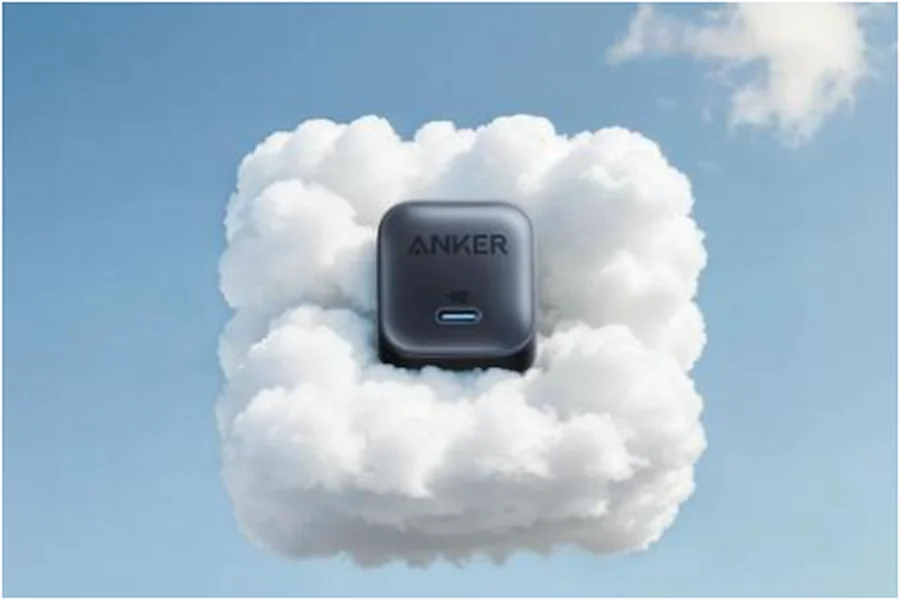
Safety should come first because reliable charging protects both you and your device. Look for recognized certifications and visible quality cues like robust strain relief, metal connector shells, and tightly woven braids. Temperature control and stable power delivery matter even more with high-wattage charging, so avoid flimsy cables with vague labeling. Everyday durability features reduce fraying in backpacks and under-desk setups where cables bend repeatedly. For a simple, dependable setup, many people choose trusted options from Anker, which provides a wide range of charging cables and chargers, including an iphone 16 charger that fits neatly into a daily carry.
Conclusion
Choosing the right cable is about matching your routine, your device’s connector, and the charging performance you expect. Start by identifying your primary connector type at home and at work, then add a travel-ready backup that handles your most common device. Using a secure smartphone helps, too, and phones with strong security give peace of mind for managing apps, payments, and personal data on the go. With a secure phone like iPhone, you can confidently and conveniently manage your apps and everyday tasks, staying focused on what matters. Finally, standardize on a small set of reliable, clearly labeled cables to reduce clutter, and keep a compact spare in your bag or car so you are never caught with a low battery at the wrong time.